
Welcome to Noreja
Noreja is a process intelligence platform: it shows how your business processes really run, where and why they differ from how they should run, and helps you find the causes. This page explains what Noreja does and the idea behind it, introduces Minerva, the AI assistant, and gives you a first orientation.
What Noreja Does
Every order, invoice or service request leaves traces in the systems your processes run in, such as an ERP system, a database or ServiceNow. Noreja reads this data and builds a model of your process from it, from every single case up to the process as a whole. This gives you transparency on how the work is really done, instead of how it is described on paper.
You describe how a process is expected to run, for example that an order is approved before goods are ordered. Noreja compares this expected order with what actually happened in every case and shows where steps ran in the wrong order, were skipped or were changed after a later step had already started. Together with key figures such as case numbers, throughput times and violation rates, this shows where your process loses time, money or compliance, and which cases, activities or variants are affected. See Process Patterns: Disarray, Negligence, Rework and Allowed Deviations and KPIs Explained.
The model of a process is called a perspective in Noreja. It is built once in the Builder, usually by people who know the source systems and the process, and then analysed by everyone with access on dashboards, in the Analyzer and with Minerva. See From Data Source to Perspective: How the Builder Works and Who Does What.
Causal Process Mining
Classic process mining puts all events into one flat list per case and connects each event to the one that happened next in time. When one order has several deliveries and invoices, this produces connections that don't exist in reality, loops and confusing models. Noreja uses causal process mining instead: it keeps the relationships between the objects in your source system, such as the order and its deliveries, and combines them with your knowledge of the expected order. Connections in Noreja therefore show what caused what, not only what happened next, and a step done out of order shows up as a violation instead of as an extra relationship. The idea comes from research by Noreja's founders; see The Origin of Causal Process Mining.
Minerva
Minerva is the AI assistant in Noreja. You ask it in plain language, the way you would ask a colleague who knows your process data, for example:
- Where are the most violations in Purchase-to-Pay, and which activities are skipped most often?
- Explain the selected case: why did it take so long?
- Make a short slide deck with the three most important findings for the process owner.
To answer, Minerva reads the perspectives and analyzer tabs you may open, the company knowledge in the Context Hub that you may use, and the Noreja documentation. For a question with several steps, it makes a plan, uses skills with know-how for specific tasks and hands parts of the work to sub-agents. It answers with text, tables and diagrams, highlights the activities it talks about in the process graph and creates files such as Excel tables, Word documents and PowerPoint decks in your company's colours. Minerva only reads: it doesn't change perspectives, tabs or dashboards, and it never sees more than you do.
Depending on your installation, you choose between local models, which run on servers operated by Noreja or by your company, and external models from cloud providers. Your company decides which knowledge may only be used with local models.
There are two ways to work with Minerva:
- Switch on Minerva-AI in the top bar. Minerva then opens next to the dashboard or the Analyzer, so you can ask about what you're looking at.
- Open the full chat page from the profile menu. There you also find your earlier chats and files.
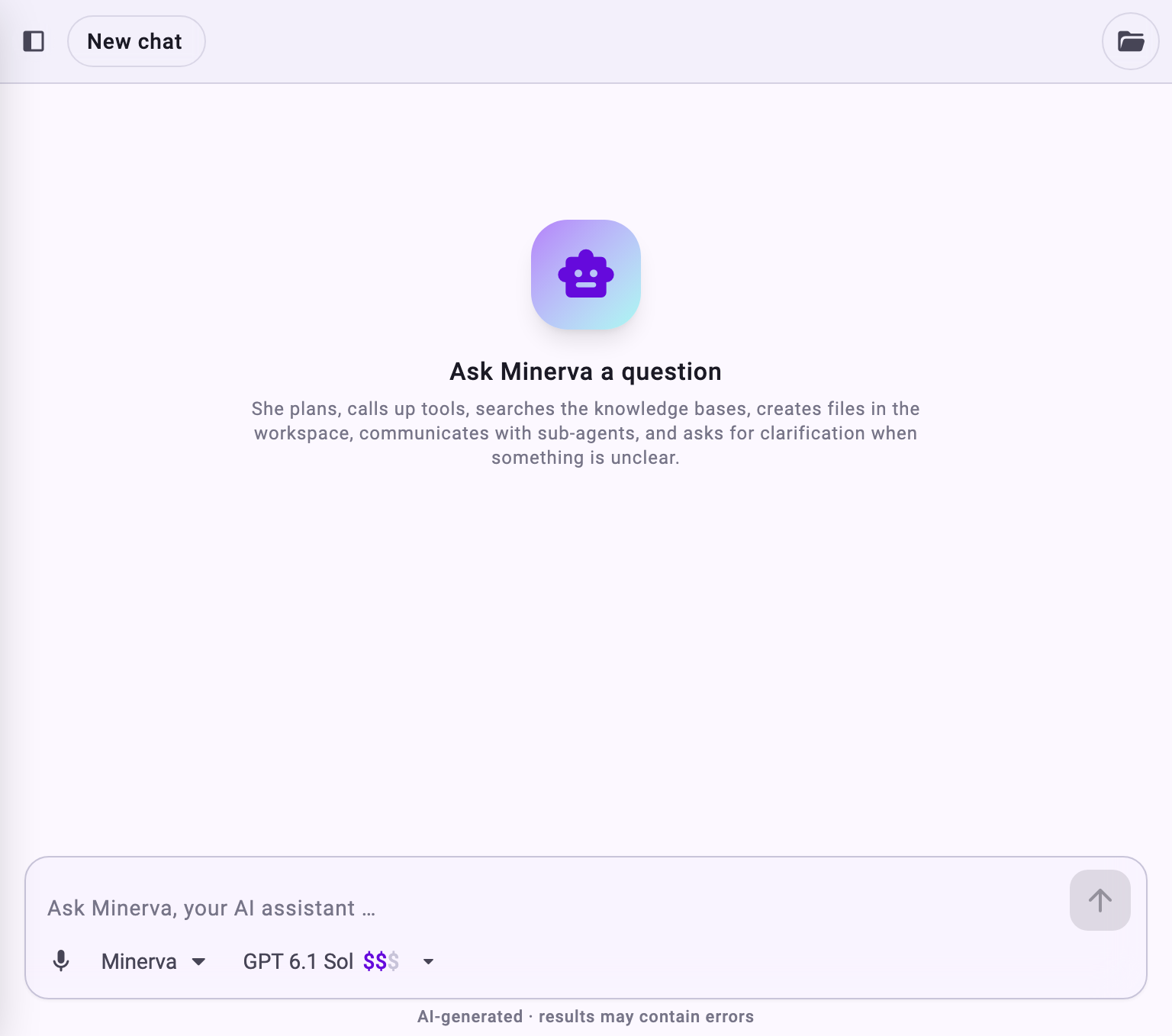
See What Minerva Can Do for what Minerva uses and creates, Chat with Minerva for how to work with it, and Minerva: Models, Data Flow and Data Protection for what happens with your data.
Find Your Way Around
The top bar takes you to the areas of Noreja: Dashboard and Analyzer for analysing perspectives, Workbench for your own notebooks, Builder for data sources, entities and perspectives, and AI Hub for setting up Minerva. On the right are the Minerva-AI switch, ? for the Help Center, Settings and your profile. Which areas you see depends on your roles. See Navigating Noreja for what each area is for, why your top bar may look different from a colleague's, your profile and settings, and where to get help.
Where to Go Next
- New to Noreja: Sign In for the First Time, Navigating Noreja, then Your First Analysis: From Dashboard to Minerva.
- Setting Noreja up for your company: Set Up Noreja for Your Company: Who Does What.
- The terms used in Noreja: Glossary.
- The idea behind Noreja: The Origin of Causal Process Mining.